
Rental software
Manage every rental.
Bookings, inventory, payments, waivers, and customers in one place.

Booking System
Accept bookings or quote requests. Track availability, event details, payments, and waivers.
Booking calendar
Review quotes, reservations, and confirmed events from your booking list and calendar.
Availability checks
Use availability checks and configurable reservation timers to protect inventory while customers complete checkout.
Payments & waivers
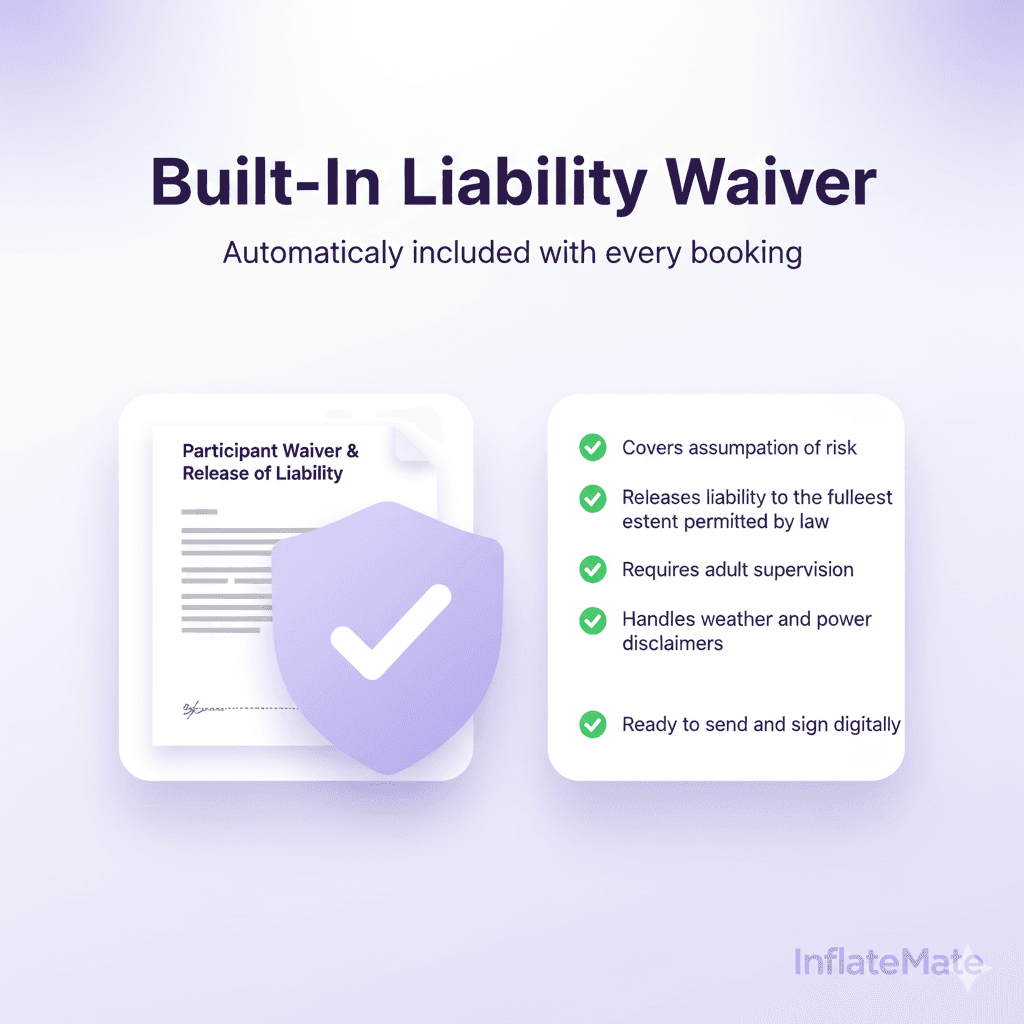
Send quotes and invoices, collect deposits or balances, and keep waiver status and tax details with the event.
Booking rules
Set buffer times, minimum spend, and booking windows, then edit bookings later to charge differences or issue full or partial refunds.


Inventory System
Track rental quantities, availability, maintenance, and revenue.
Product details
Add and edit products with images, pricing, and details so your team and customers always see accurate information.
Maintenance status
Flip items between Active, Maintenance, or Retired and hide anything that is down until you are ready to rent it again.
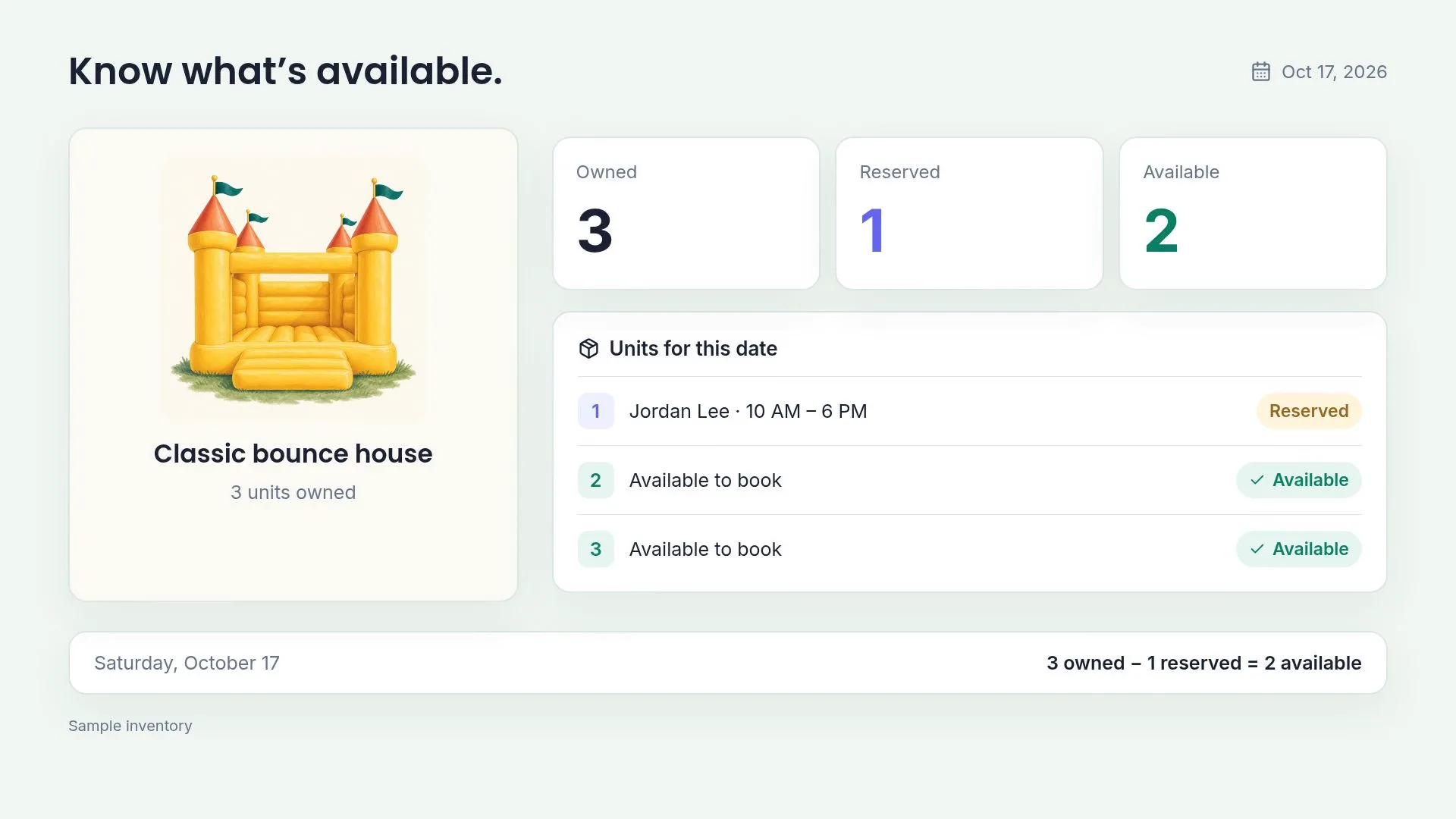
Rental quantities
Assign quantities to every item so overlapping bookings only reserve what you actually have on hand.
Rental revenue
See which inflatables bring in the most revenue and bookings so you know what to promote or replace.

Payments & Invoicing
Collect Stripe payments, send invoices, record cash, and track refunds per booking.
Payments & refunds
See every payment, refund, and outstanding balance across your business at a glance.
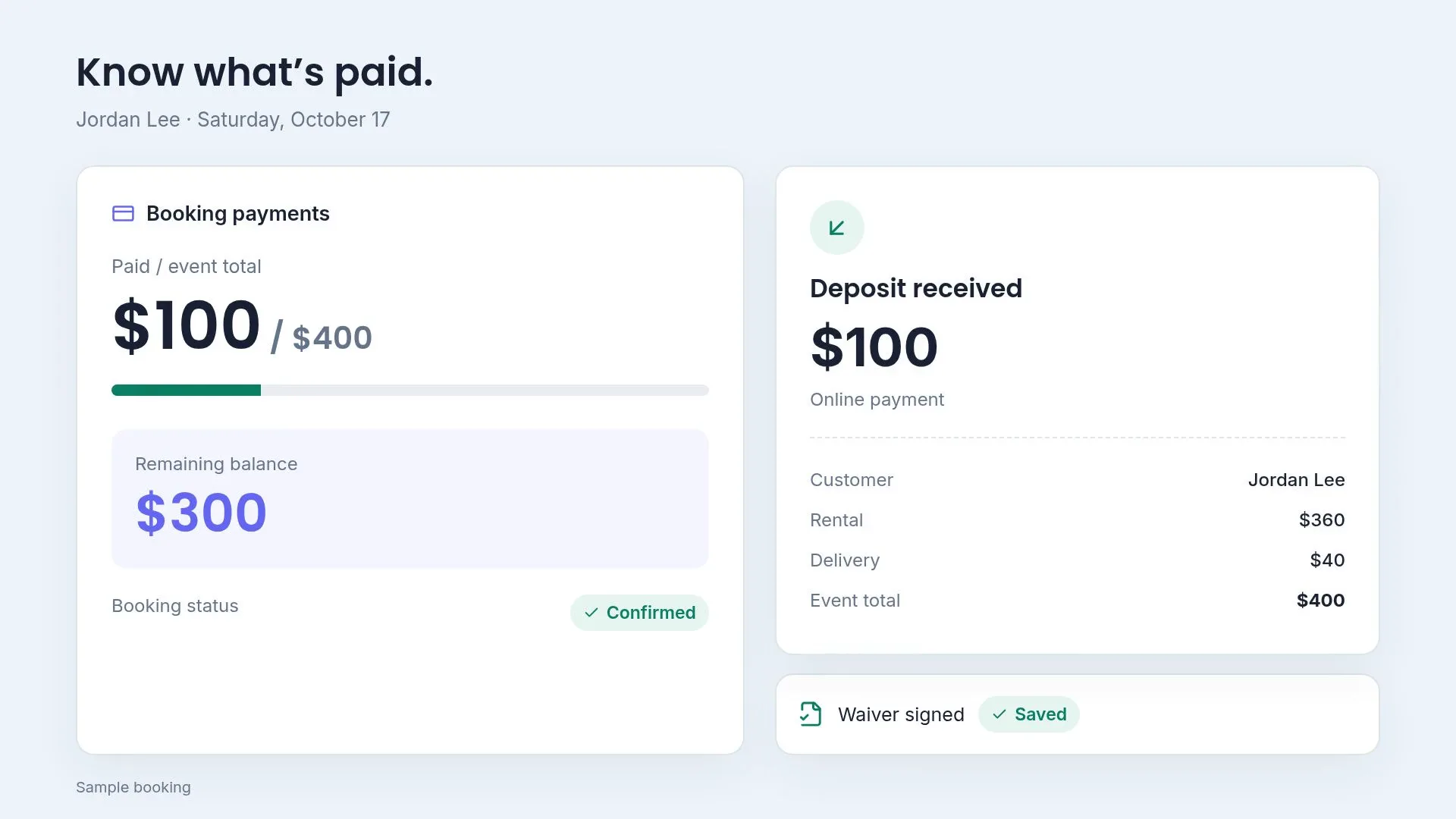
Deposits and remaining balances
See the amount paid against the event total and invoice the remaining balance before rental day.
Quotes & invoices
Build quotes from your inventory and send booking invoices that show the customer what is due.
Payment records
Keep online and recorded offline payments with the booking, alongside invoice and refund records.

Waivers & Documents
Send signing links and track signed waivers per booking.
Signing links
Use the available document delivery settings and send or resend the signing link when a customer needs it.
Signature status
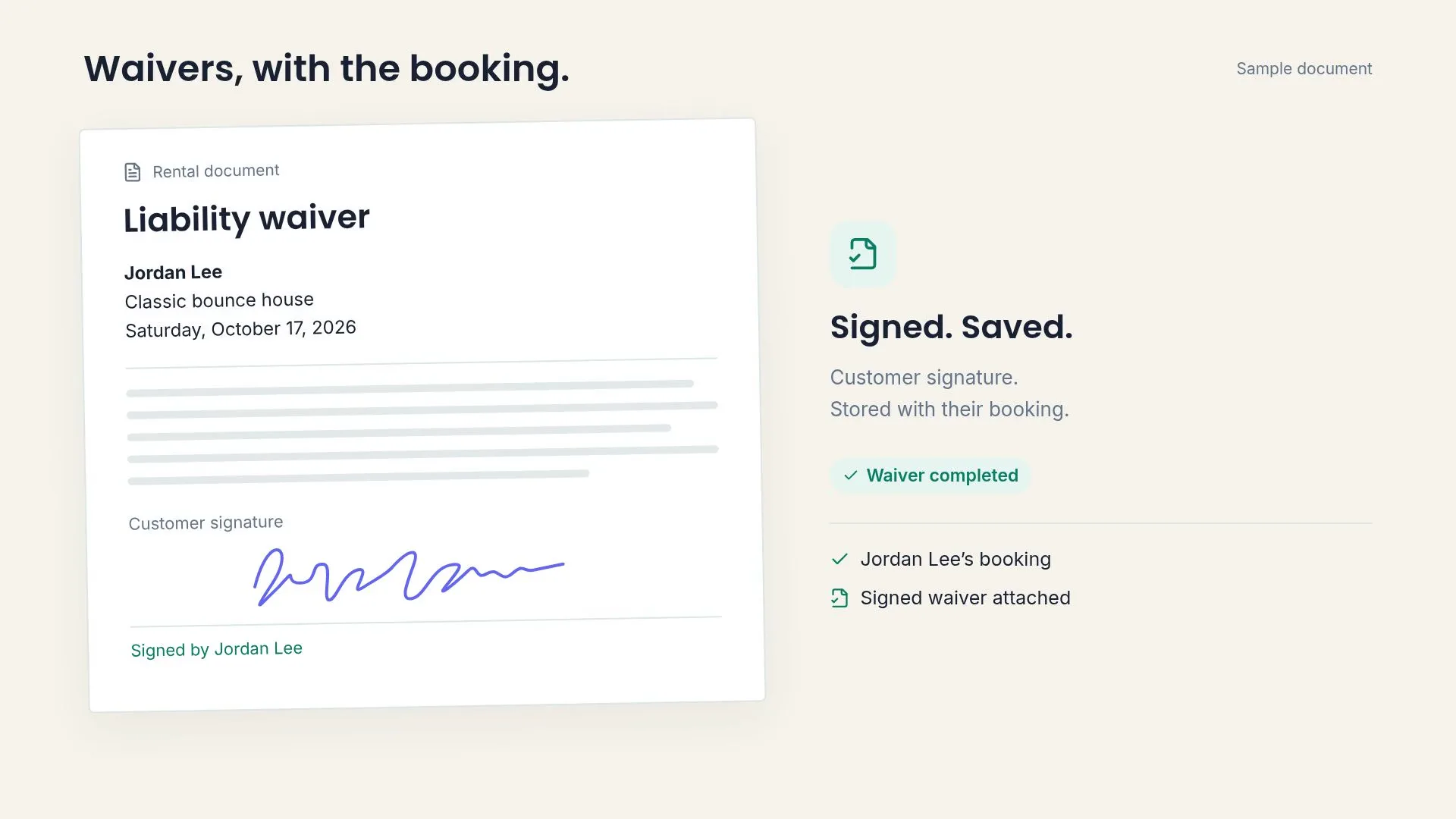
See whether each document is Pending or Signed right inside the booking timeline.
Signature history
Open the signed document and its signature history from the booking record.
Booking documents
Store every document alongside the booking so your team and customers can access it fast.

Website Builder
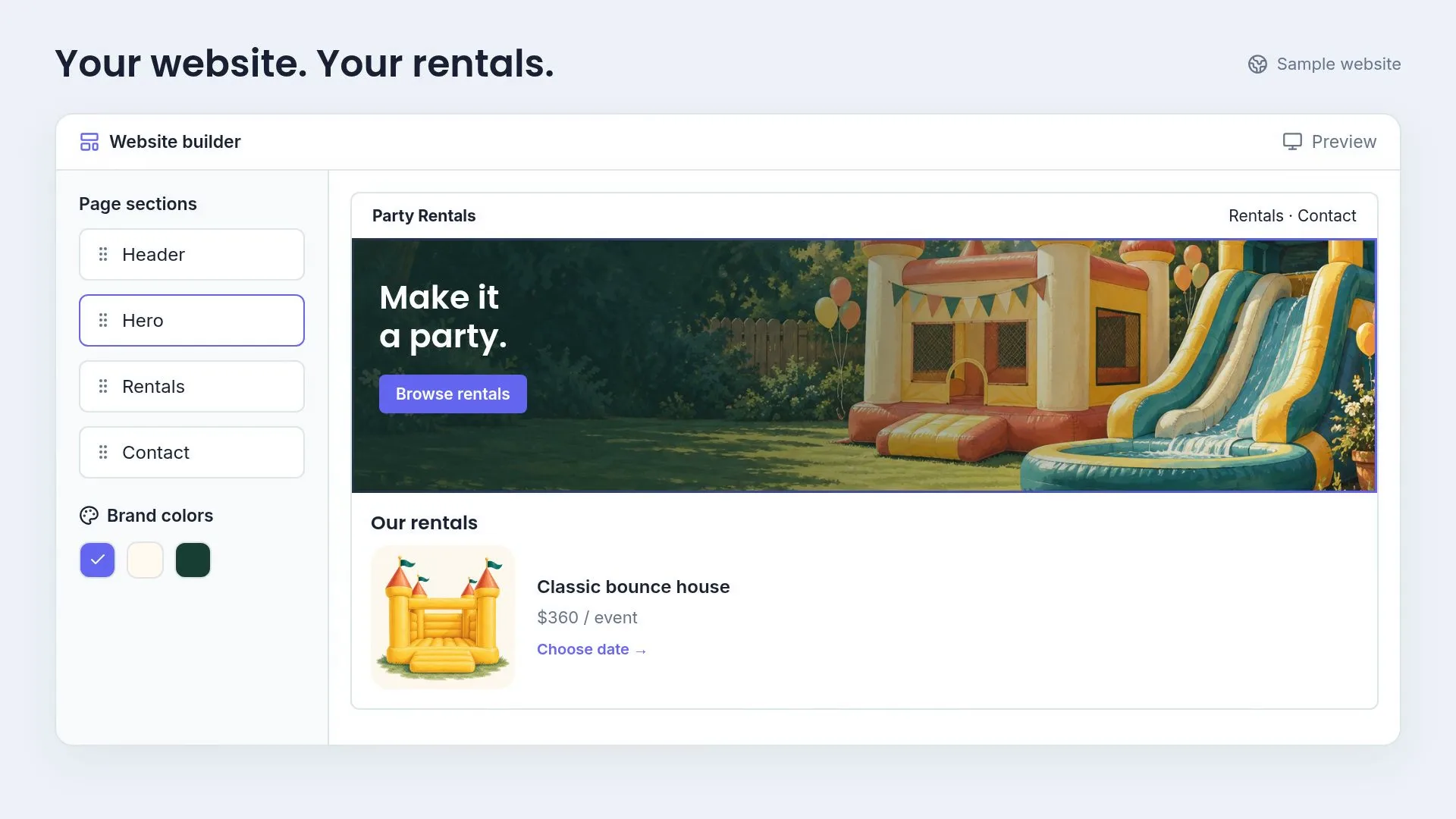
Choose a theme, add rentals, and publish. Or embed booking on your existing site.
Page editor
Edit the hero heading, subheading, and image, then build landing and about page sections with images, videos, and cards that match your brand.
Search settings
Every site ships with metadata, canonical URLs, sitemaps, and LocalBusiness schema so Google can index your pages cleanly.
Website pages
Launch with a landing page, inventory page, contact page, about page, and booking page—plus a customizable bio for your team.
Themes & colors
Pick from modern/minimal, playful, or retro themes and dial in Primary, Secondary, Accent, Text, and Background colors without touching code.
Booking embeds
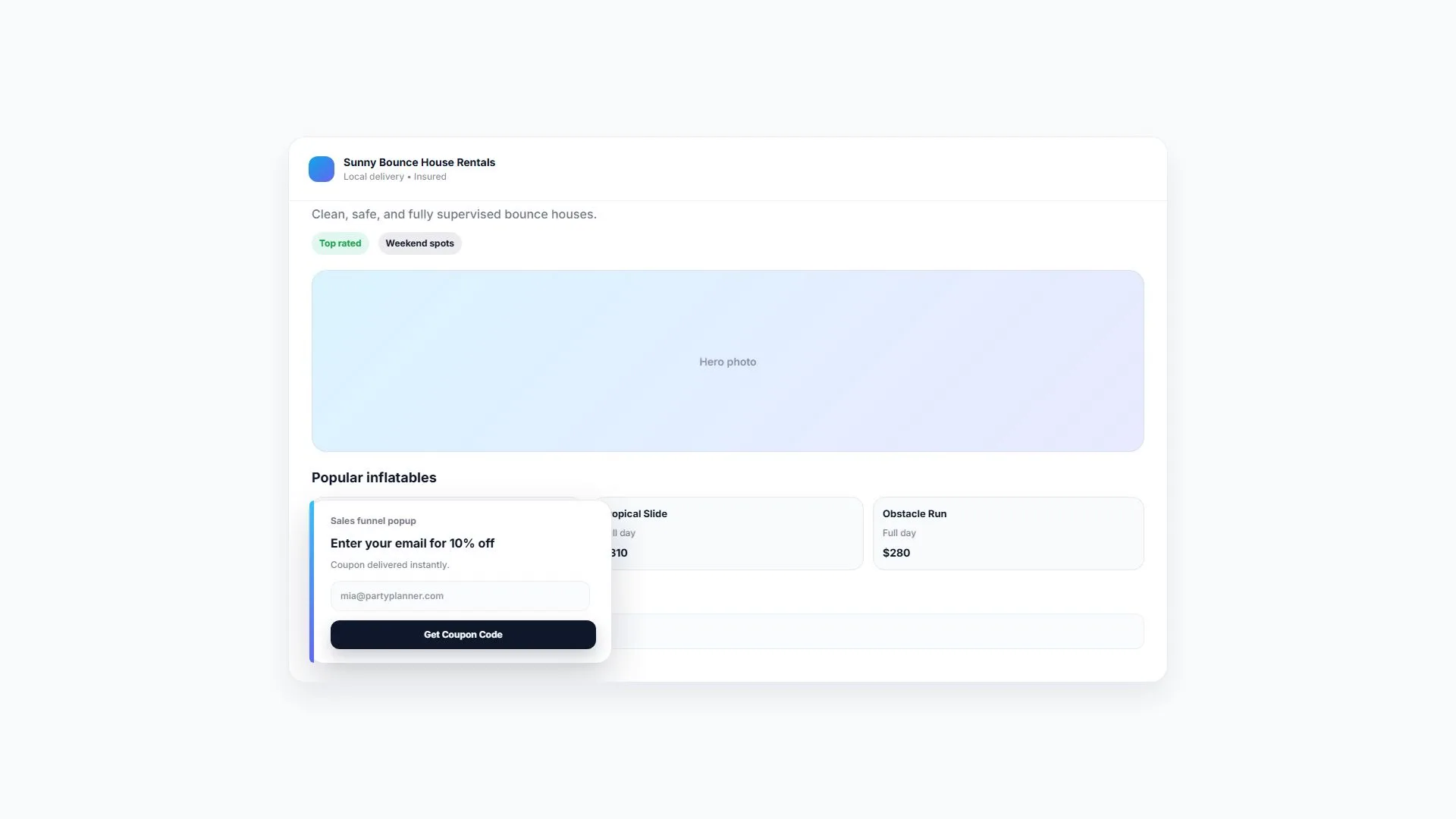
Drop the booking form, sales funnel popup, top inventory, inventory detail page, or booking success page into an existing site with matching colors and theme.

Customer Management
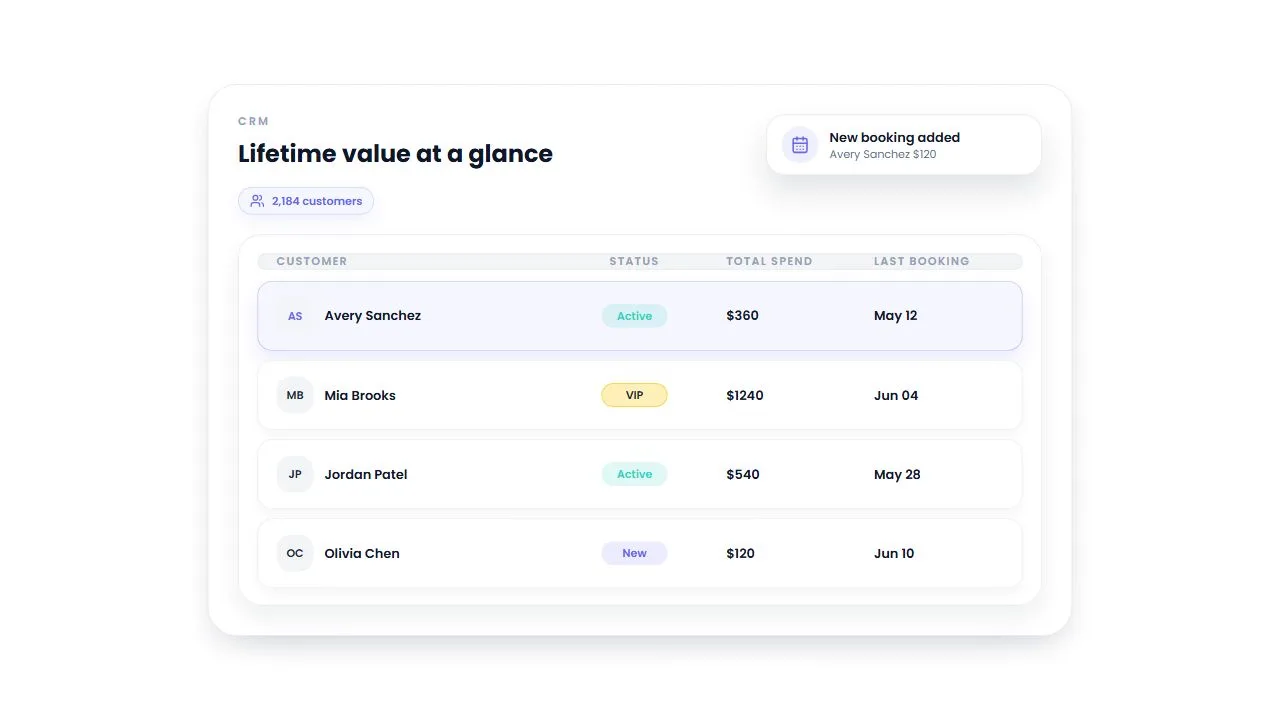
A bounce house rental CRM for contact details, booking history, lifetime spend, customer status and notes. Keep the context for your next rental conversation.
Contact details and notes
Keep names, contact details and internal notes in one customer record. Record a gate code or delivery preference so you can review it before the next rental.
Lifetime spend and booking count
See total spend, number of bookings and the last booking date. Use the customer's own history as context when they ask about another party or school event.
Booking history
Open the profile to review event dates, rental items, booking status and totals. Check what the customer rented before discussing the next event.
Customer type and status
Review Regular or VIP customer type and Active or Inactive status. Search by contact details and filter the list for VIP, Regular or Inactive customers.

Marketing Hub
Create discount coupons, capture leads with popups, and track results.
Discount coupons
Create percentage or flat-rate coupons for seasonal promos, referrals, or VIP customers in seconds.
Lead popups
Design a funnel popup that matches your site, attaches a coupon, and captures contact details automatically.
Lead records
Every popup submission creates a lead record so your team can nurture and close more bookings.
Campaign results
See which coupons are used, how many leads each funnel created, and which campaigns drive bookings.


Try InflateMate
Free for 14 days.